 English
 中文
中文


Operation Guide for Honghe LPC-O Online Particle Counter
Click:
Time:2022-03-11 00:00:00
Test operation
1. Connect the power cord, press the power button to turn on the device, and the instrument completes self inspection;
2. Account login, enter the main interface;
3. Click on "Settings" and in the "Test Settings" interface, perform settings such as pre volume, sampling volume, sampling frequency, sampling interval, storage method, etc. After completing the settings, press the "Save" button;
4. Click on "Channel Settings" to customize the particle size between 1-100 μ m (if no settings are needed, you can directly proceed to the next step);
5. Click on "Alarm Settings" to select the upper/lower/upper/lower limits of the alarm level according to the testing standards, and click the "Save" button (if no settings are needed, you can directly proceed to the next step);
6. Click on 'Print Settings' to set the sample information and print format;
7. Click on "System Settings" to set the language, time, and baud rate (if no settings are needed, you can directly proceed to the next step);
8. When used offline, connect the inlet and outlet ports to the liquid sample and waste liquid bottles respectively; When using online, if the pressure exceeds 6 kilograms, a pressure reducing valve must be connected to the inlet for use;
9. Click on "Test" on the main interface, select the testing criteria, and then click on "Test";
10. After the test is completed, the test data can be viewed, printed, stored, and other operations;
11. Experimental reports can be written based on the test results.
End of work (offline only)
1. Remove the inlet tube from the liquid sample;
2. Return to the main interface, click "Maintenance", enter the cleaning and emptying interface, perform one emptying operation, and empty the residual liquid sample in the pipeline;
3. Place the oil inlet pipe into a cleaning agent (use petroleum ether when detecting high-quality oil; use isopropanol when detecting water) for cleaning until there is no liquid sample residue in the pipeline;
3. Perform another emptying operation to remove the cleaning agent from the pipeline;
4. Shut down.
Note: If used online, there is no need to clean or empty it. Simply cut off the power according to the working status.
Maintenance and upkeep
1. When conducting online testing, if the pressure exceeds 6 kilograms, a pressure reducing valve should be connected for use;
2. When using offline, after detecting the liquid sample, the pipeline should be cleaned in a timely manner to keep the sensor window clean;
3. LPC-O has installed a protective filter at the inlet. During the use of the instrument, the protective filter will continuously clog due to the interception of large debris. Therefore, it is necessary to regularly clean and protect the filter screen, remove any debris such as fibers intercepted on the surface of the filter screen after disassembly, and then use cleaning agents and ultrasonic waves for cleaning and drying operations.
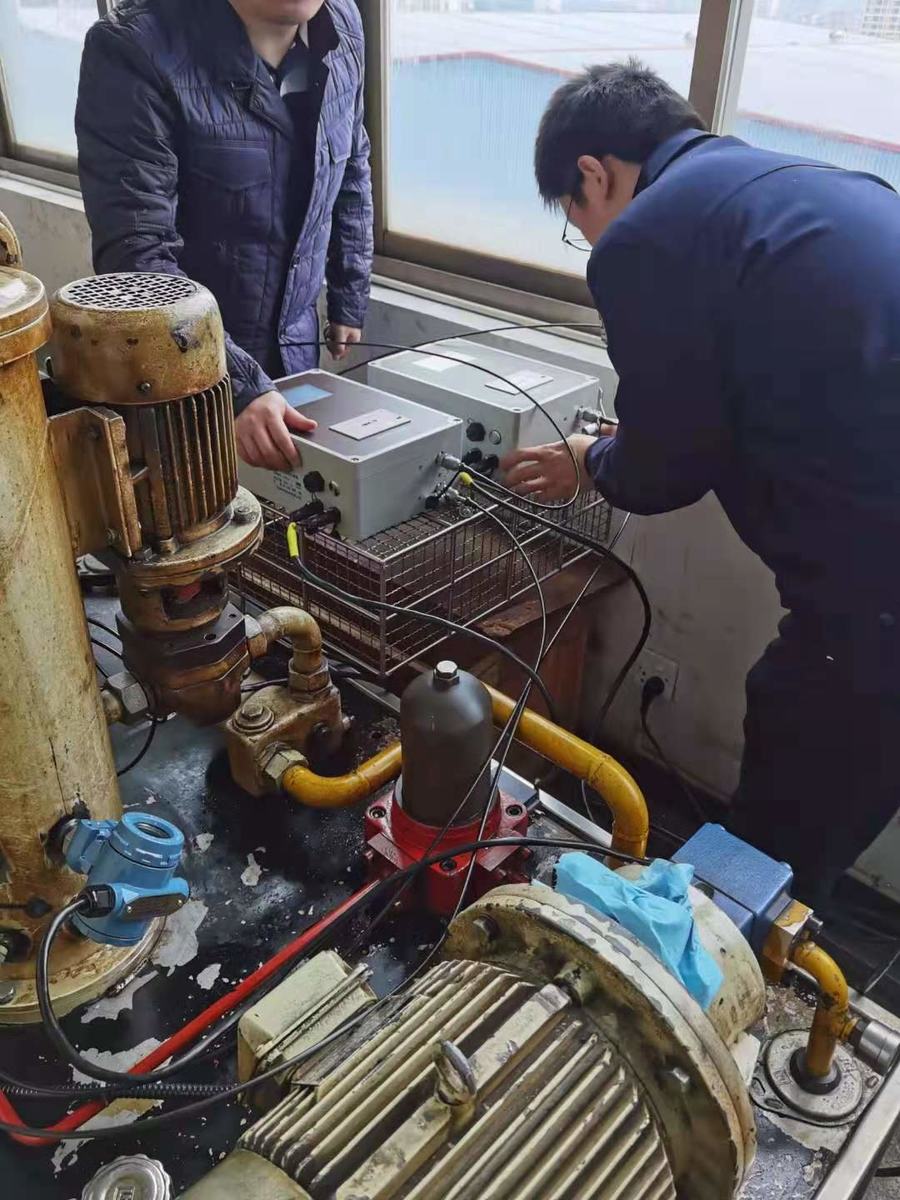
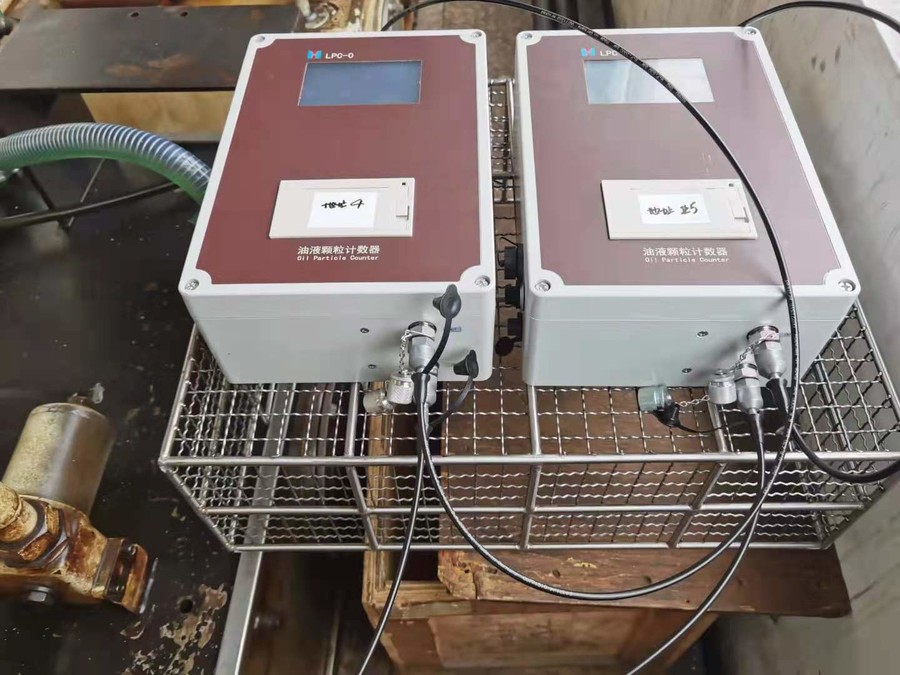
Honghe LPC-O online use

Prev : Selection requirements and cleaning methods for sampling containersNext : Application of Particle Counting Technology in Filtering Performance Testing
文章推荐
友情链接:
Tianjin Honghe Technology Co., Ltd
E-mail:sales01@tjhonghe.com
I would like to call the information hotline:
Tel 022-58956940
Add: 5F, Block C-D, Building 3, No.13 Ziyuan Road, Huayuan Industrial Park, Tianjin
Scan QR code Follow us:

Copyright ©2022 Tianjin Honghe Technology Co., LTD.All Rights Reserved ICP record No. 19008642 -1
\©2022 Tianjin Honghe Technology Co., LTD. All Rights reserved
ICP备案号津ICP备19008642号-1
 客服1
客服1

